
Knowing what's growing in your garden changes everything, from how you care for it to how you design around it. RHS plant identification tools give gardeners and plant enthusiasts access to one of the most trusted botanical databases in the world, built and maintained by the Royal Horticultural Society in the UK.
Whether you've spotted an unfamiliar shrub in your yard or you're studying for an RHS qualification, the RHS offers two powerful free tools: My Garden (with its image recognition feature) and Plant Finder (a searchable database of over 90,000 plants). Both serve different purposes, and knowing which one to use, and how, saves you a lot of guesswork.
At Konzept Garden, plant selection is central to every landscape design project we take on. Our botanist consultations start with accurate identification, because choosing the right plant for the right spot is what separates a garden that thrives from one that struggles. This guide walks you through exactly how to use both RHS tools step by step, what they're best suited for, and how to get the most reliable results.
Which RHS tools help with plant identification
The RHS gives you two distinct tools, and they work better together than apart. Understanding what each one does before you start saves you time and gets you to a confident answer faster. For rhs plant identification, neither tool alone covers every scenario, so knowing the difference is the first step.
RHS Grow app
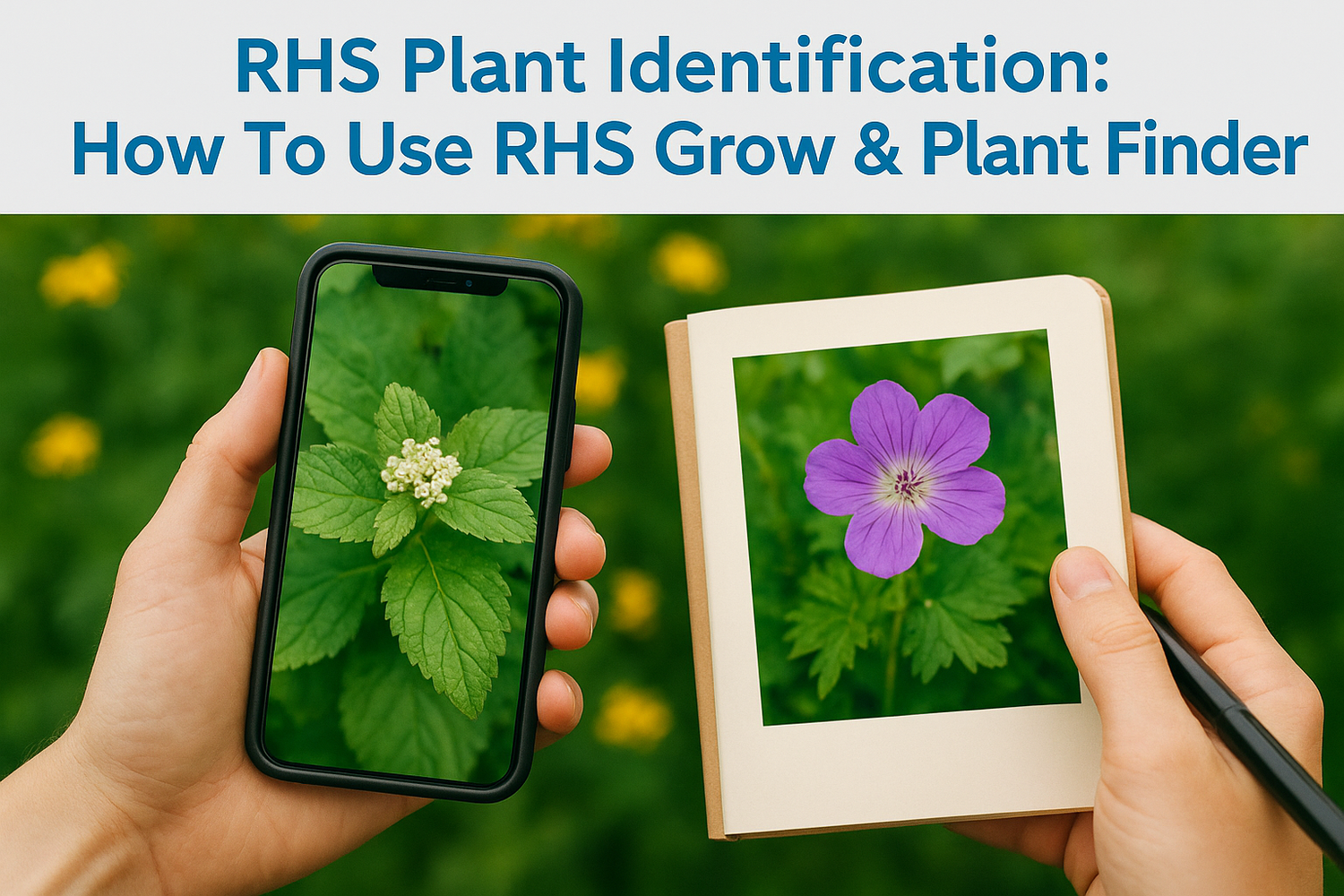
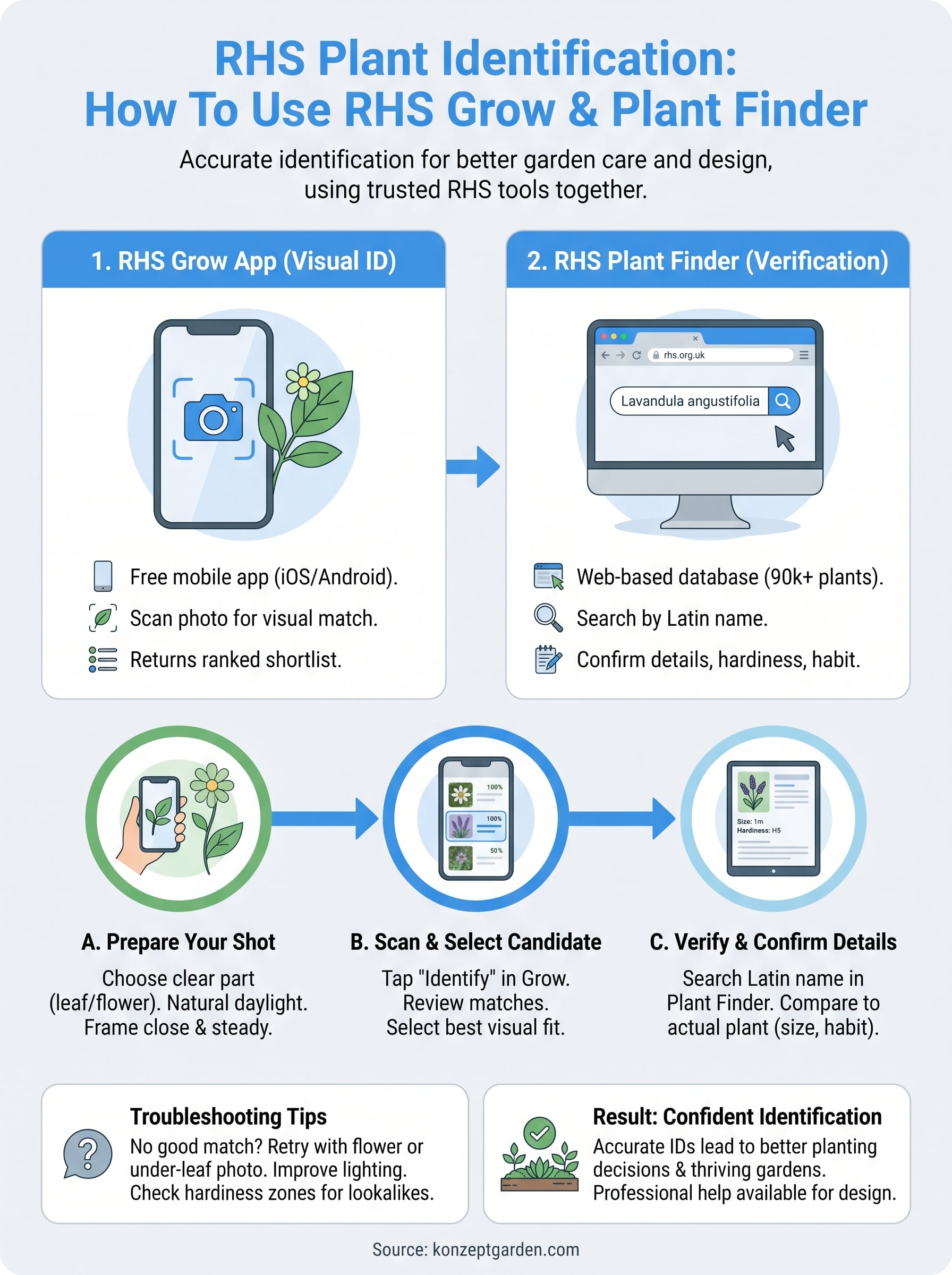
RHS Grow is a free download available on iOS and Android. It includes a camera-based plant ID feature that lets you point your phone at any plant and get a match from the RHS database in seconds. You take a photo, the app analyzes it, and it returns a shortlist of possible matches ranked by visual similarity. From there, you can tap through to full plant profiles, care guides, and cultivation tips.
The RHS Grow app draws on the same botanical database used by RHS horticulturalists, which means results carry real scientific weight rather than crowdsourced guesswork.
RHS Plant Finder
RHS Plant Finder is a web-based search tool at rhs.org.uk that holds records for over 90,000 plants. It doesn't use image recognition. Instead, you search by name, characteristic, or filter, and it returns detailed plant profiles including synonyms, family, and where to buy. This tool is most useful once you already have a candidate name from the Grow app and want to confirm it or explore related cultivars.
Here's a quick breakdown of when to use each tool:
| Tool | Best For | Format |
|---|---|---|
| RHS Grow app | Visual ID from a photo | Mobile app |
| RHS Plant Finder | Name-based search and verification | Web browser |
Both tools are free to use, and combining them in sequence gives you the most reliable outcome. Start with the app to generate a candidate name, then cross-check that name in Plant Finder to confirm the full details.
Prep for accurate plant IDs before you scan
The quality of your photo directly determines the quality of your match. Before you open the RHS Grow app, taking a moment to prepare your shot gives the algorithm the visual data it needs to return a strong, reliable result rather than a broad shortlist of possibilities that leaves you guessing.
Choose the right plant part to photograph
Different plant features carry different amounts of identifying information. Leaves and flowers give the app the most to work with, while bare bark or soil-level stems alone rarely produce a confident match. If the plant is in bloom, photograph the flower first, then take a separate shot of the leaf shape and arrangement for comparison.
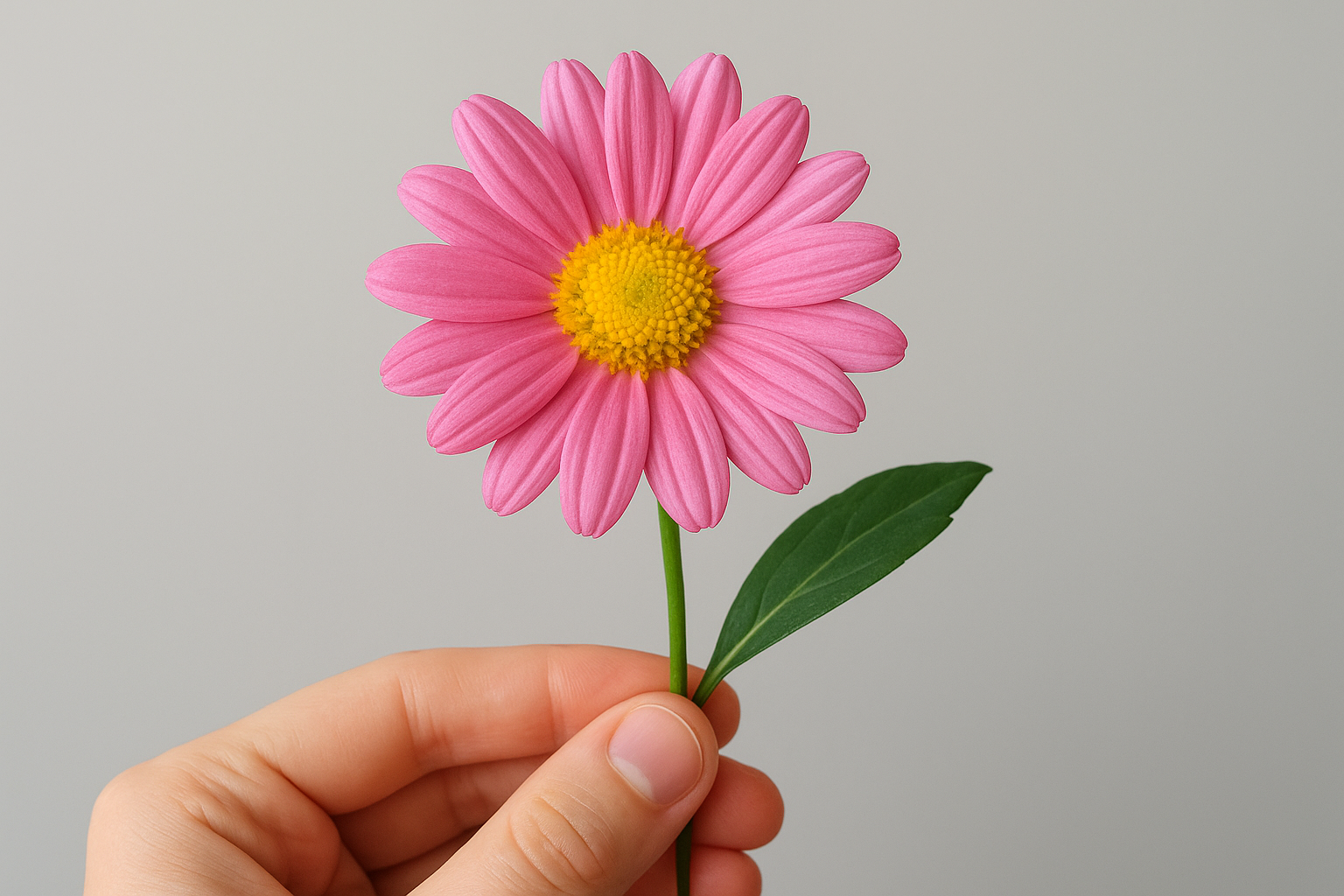
A clear, close-up photo of a fully open flower against a plain background consistently produces the most accurate rhs plant identification results.
Set up your shot for clarity
Lighting and focus make or break the image. Natural daylight (not direct harsh sun) gives you the truest color and sharpest detail. Hold your phone steady and close enough to fill the frame with the plant part you're photographing. Run through these quick checks before you tap the shutter:
- Stand 20-30 cm from the subject
- Avoid shooting in deep shadow or midday glare
- Remove any debris from the leaf surface before shooting
- Take two or three angles if the first shot looks blurry
Use RHS Grow Plant ID to get a strong first match
With your photo ready, running a scan in RHS Grow takes under a minute. Tap the camera icon on the app's home screen, upload your prepared image, and the tool returns a ranked shortlist of matches almost instantly, each with a thumbnail and confidence score so you can compare visually at a glance.
Open the app and run your first scan
Download RHS Grow from the Apple App Store or Google Play Store, then sign up for a free RHS account to unlock the full plant ID feature. Follow these steps once you're logged in:
- Tap "Identify a plant" on the home screen
- Upload your prepared photo or take one directly in-app
- Wait a few seconds for the app to process and return results
For the most reliable rhs plant identification match, photograph one clear plant part rather than a wide shot of the whole plant.
Read your results and pick the best match
The app lists multiple candidates ranked by visual similarity. Tap each result to open the full plant profile, which includes the Latin name, common name, and key growth characteristics. Review those details against what you actually see in front of you before settling on a final answer.
Cross-check the growth habit and leaf description in the profile against the plant you photographed. If two results look similar, the distinguishing details listed in each profile, such as flower color or leaf margin shape, help you narrow it down quickly without second-guessing.
Verify and narrow results with RHS Plant Finder
Once RHS Grow gives you a candidate name, your next step is to confirm it using RHS Plant Finder at rhs.org.uk. This tool doesn't use images, but it gives you detailed botanical records that let you cross-check the match against your plant's actual characteristics. Think of it as a second opinion backed by the full RHS database of over 90,000 plants.
Search by the candidate name
Type the Latin name from your Grow app result directly into the Plant Finder search bar. Using the Latin name rather than a common name returns a precise match and avoids confusion between plants that share the same common name in different regions. If your result includes multiple cultivars, narrow it down by filtering for flower color, mature height, or hardiness rating.
Searching by Latin name in RHS Plant Finder is the fastest way to confirm or rule out a match from your rhs plant identification scan in Grow.
Compare profile details against your plant
Plant Finder shows you full botanical descriptions, including leaf shape, growth habit, and expected flowering season. Read each detail against what you actually see in front of you. If the profile says the plant reaches 2 meters at maturity but yours stays under 50 cm, you are likely looking at a different cultivar or a close relative worth investigating further before making any planting decisions.

Fix common ID problems and tricky lookalikes
Even with a well-prepared photo, the RHS Grow app sometimes returns low-confidence results or a shortlist where several plants look nearly identical. This happens most often with heavily pruned specimens, plants that aren't yet in flower, or species with highly variable leaf shapes across growing conditions. Knowing how to push past these moments keeps your rhs plant identification process moving forward instead of stalling.
When the app returns no confident match
If no result looks right, try a different plant part rather than re-scanning the same shot. A flower photo often breaks a deadlock when a leaf scan hasn't produced a clear answer. Run through these quick fixes before giving up:
- Photograph the underside of a leaf, which often shows distinctive vein patterns not visible from above
- Retry the scan in better natural light rather than shade or artificial indoor lighting
- Search by a visible characteristic in RHS Plant Finder, such as leaf shape or flower color, to generate candidate names manually
How to tell apart plants that look similar
Some plants share nearly identical visual features, particularly within the same genus. When two results look like equally strong matches, compare the hardiness zone and mature size listed in Plant Finder against what you're actually seeing in front of you. A plant listed as frost-tender that's thriving outdoors in your garden year-round is very likely not the correct match.
Cross-referencing at least two distinct botanical characteristics always produces a more reliable final answer than relying on visual appearance alone.
Next steps
You now have a reliable two-step process for rhs plant identification: scan with RHS Grow to generate a candidate name, then confirm the details in RHS Plant Finder using the Latin name and botanical characteristics. That combination gives you a far more accurate result than either tool alone, and it works whether you're identifying a mystery shrub or checking a plant for an RHS qualification.
Accurate identification is only the starting point. Once you know what you have, the next decision is how to design around it, pair it with the right companions, and place it where it will genuinely thrive. That's where professional input makes a real difference. At Konzept Garden, our team works through exactly these questions with every client, from a single planting query to a full garden redesign.
If you want to talk through your garden plants or explore a new outdoor space, get in touch with our team for a free consultation.