Whether you've spotted an unfamiliar tree on a property walkthrough or you're curious about a flowering shrub in your own garden, identifying plants accurately matters, especially before you commit to a design plan. The PlantNet plant identification app is one of the most popular free tools built for exactly this purpose, and it's become a go-to resource for gardeners, designers, and plant enthusiasts across Malaysia and beyond.
At Konzept Garden, our botanists and designers identify species daily as part of our landscape design process. We've used PlantNet ourselves and can speak to what it does well and where it falls short. That hands-on experience is what shaped this guide.
Below, we break down PlantNet's core features, how accurate it actually is, what it costs, and where to download it for Android and iOS, so you can decide if it belongs in your gardening toolkit.
What PlantNet is and how it works
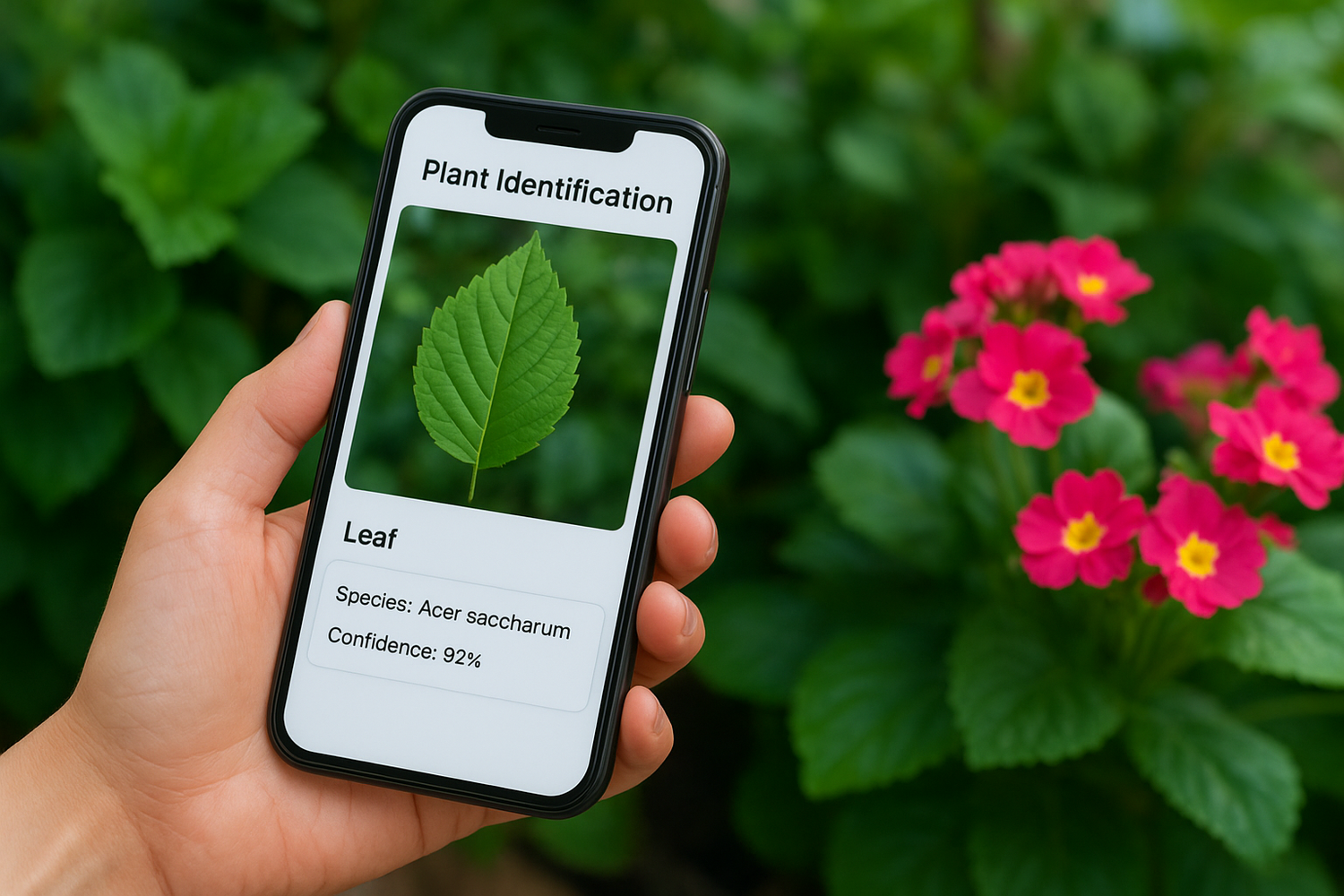
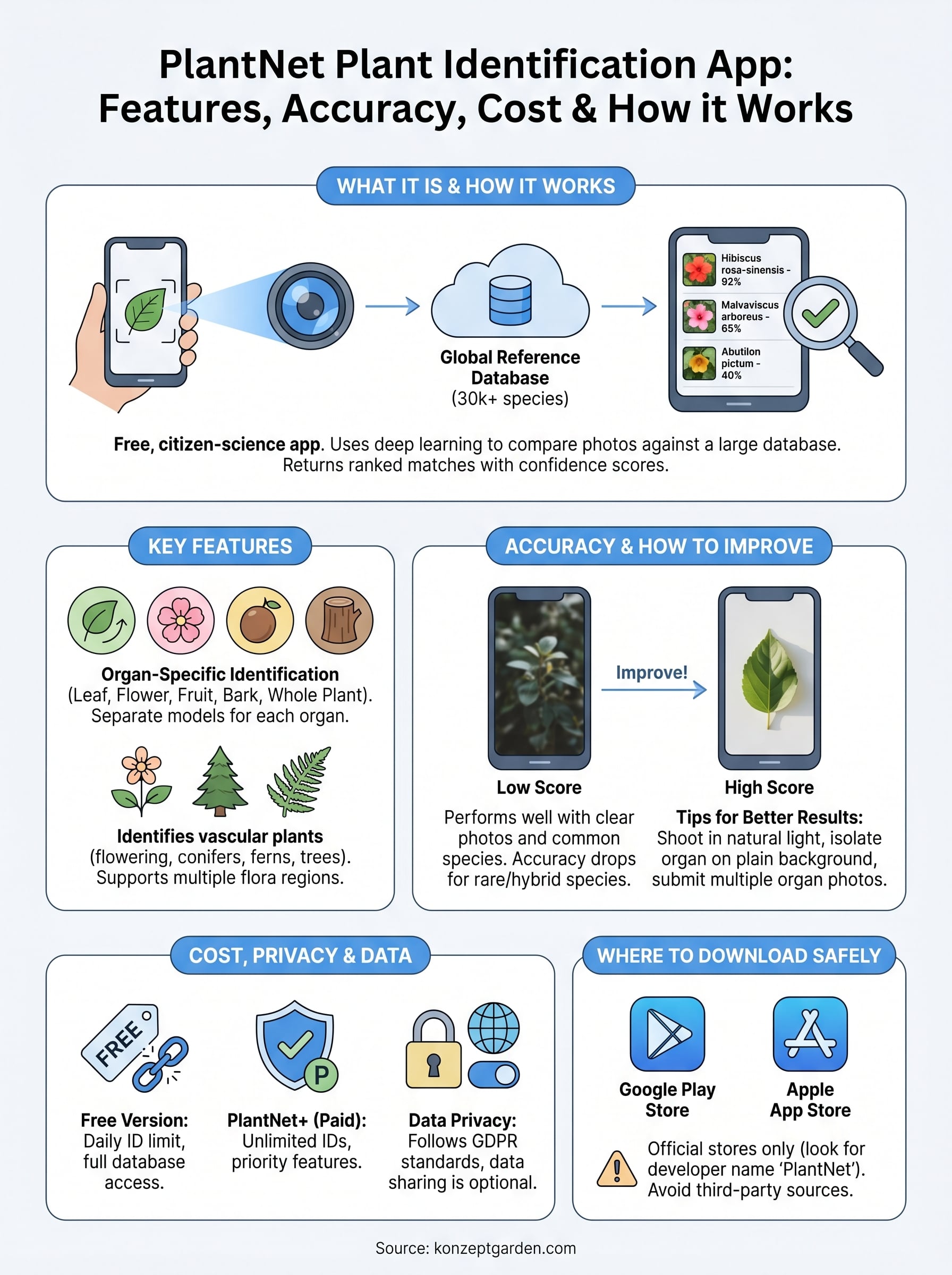
PlantNet is a free, citizen-science plant identification platform developed by a consortium of French research institutions, including CIRAD, INRAE, IRD, and INRIA. The PlantNet plant identification app works by comparing the photo you submit against a large reference database of plant images, all contributed and validated by a global network of botanists, researchers, and plant enthusiasts. You photograph a plant part, the app analyzes the visual features, and it returns a ranked list of species matches with confidence scores attached to each result.
The science behind the identification engine
The core technology is deep learning-based image recognition, using convolutional neural networks trained on millions of labeled plant images. When you submit a photo, the app extracts visual feature data from your image and compares those features against its reference library. Each result carries a confidence score, expressed as a percentage, so you can quickly judge how strongly the system backs a particular species match. A score in the low single digits means the app is guessing broadly, while a score above 80 percent gives you a much stronger basis to work from.
The PlantNet database currently covers over 30,000 plant species, making it one of the largest publicly accessible plant identification resources available on a mobile device.
Over time, the model improves because each identification you submit can feed back into the training data, provided you agree to share your observations. Researchers at the partner institutions review flagged entries and validate community contributions, which keeps the scientific quality of the reference library from degrading. That ongoing review process is one of the key reasons PlantNet carries more credibility among professional botanists than many comparable apps on the market.
How to submit a photo for identification
Submitting an identification is a short, straightforward process. You open the app, select the plant organ you want to photograph (options include leaf, flower, fruit, bark, or whole plant), and take your shot. Selecting the correct organ category matters significantly because the model uses separate trained neural networks for each one, and running a flower photo through the leaf network produces noticeably weaker results.
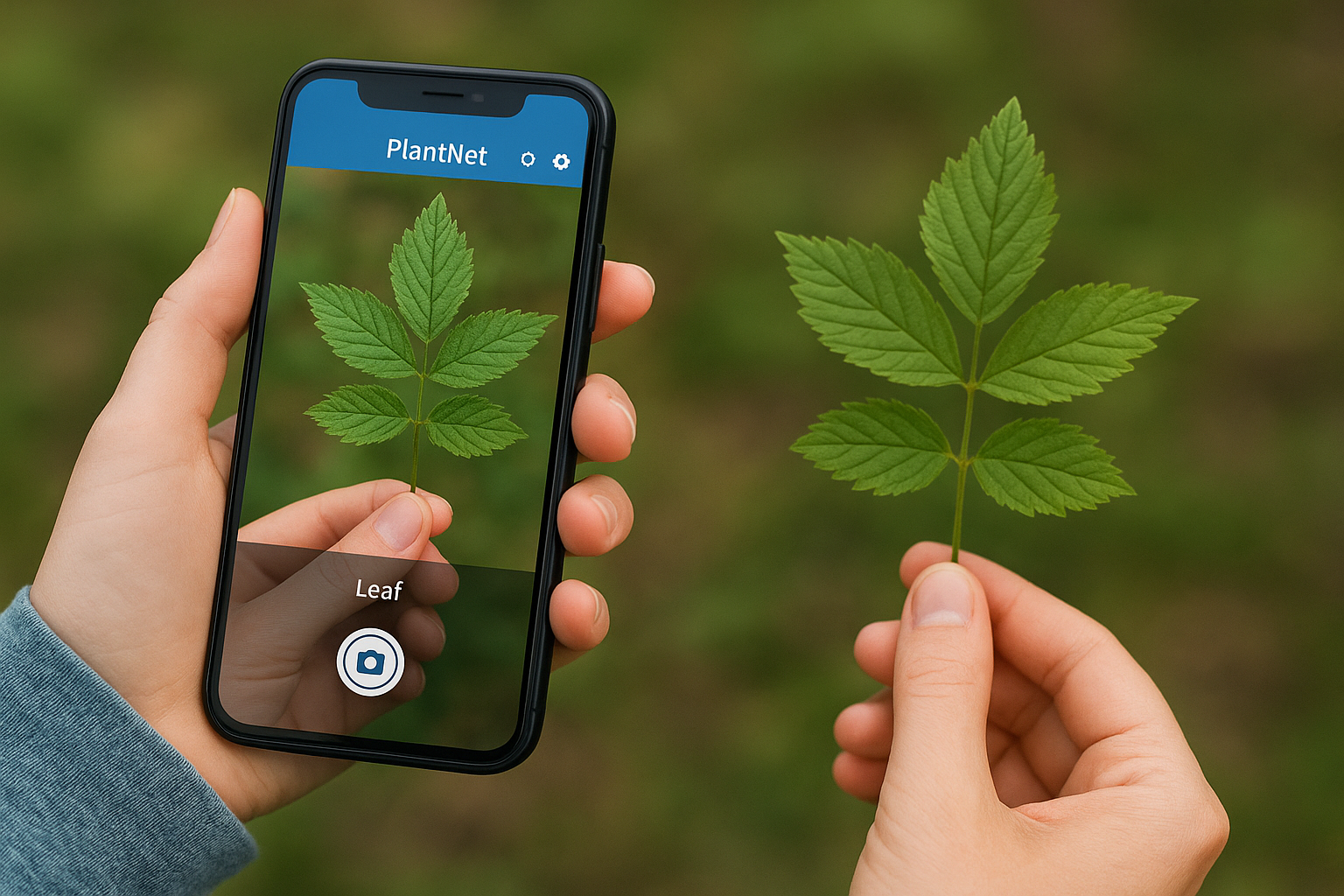
Clear, well-lit photos taken against a plain or uncluttered background consistently return stronger matches than blurry or busy shots. After you submit, results appear within a few seconds, listing the most likely species by scientific name, common name, and plant family. You can tap any result to view reference images and basic botanical information, which lets you compare your specimen against verified examples before drawing any real conclusions. This visual confirmation step is something our botanists at Konzept Garden always build in, regardless of how high the confidence score looks on first glance.
Key features and what you can identify
The PlantNet plant identification app gives you several tools beyond simple species lookup. The app organizes identifications into species observations, which you can save, revisit, and share with the global PlantNet community. It also supports multiple flora regions, so you can switch your search scope to focus on plant databases covering Southeast Asia, which is particularly relevant if you're working in Malaysia.
Organ-specific identification
One of the more useful design choices in PlantNet is the organ-specific identification system. Rather than submitting a generic photo and hoping for the best, you select from categories: leaf, flower, fruit, bark, or whole plant. Each category draws on a separately trained model, which means a close-up of a flower gets evaluated differently from a bark shot of the same tree. If you're identifying a specimen in your garden and it's not currently flowering, you can still get useful results by submitting a clear leaf or bark image.
Submitting multiple organ photos for the same plant in a single session significantly improves the accuracy of your final identification.
What plant types the app covers
PlantNet covers vascular plants, which includes flowering plants, conifers, ferns, and trees, and its tropical and subtropical database is steadily growing. This matters for Malaysian users because the regional flora coverage has expanded significantly in recent years, with contributions from researchers and citizen scientists across Southeast Asia. You can identify ornamental garden plants, wild species, common weeds, and many cultivated varieties used in landscape design.
The app does not cover fungi, mosses, or lichens reliably, so don't expect strong results if you photograph those. For the plant types it does handle, PlantNet offers a solid breadth of coverage that most home gardeners and design professionals will find genuinely useful.
How accurate PlantNet is and how to improve results
PlantNet performs well when conditions favor clear image capture and when you photograph a species that is well-represented in its reference database. In independent botanical assessments, the app correctly identifies common species within its top five results the majority of the time, but accuracy drops noticeably for rare species, cultivated hybrids, and plants native to regions with thinner database coverage. For everyday garden plants and common Malaysian ornamentals, you can expect reliable results. For unusual specimens, treat every match as a starting point rather than a final answer.
Factors that affect identification accuracy
Several variables determine how well the PlantNet plant identification app performs on any given submission. The quality of your photo is the biggest single factor. Blurry images, poor lighting, and cluttered backgrounds all reduce the app's ability to extract clean feature data from your photo. The species' representation in the database is the second major factor. A plant with thousands of verified reference images consistently returns stronger matches than one with only a handful of contributions.
Submitting photos of the same plant using multiple organ types in one session, such as both a leaf and a flower, significantly raises your chances of a correct identification.
Tips to improve your results
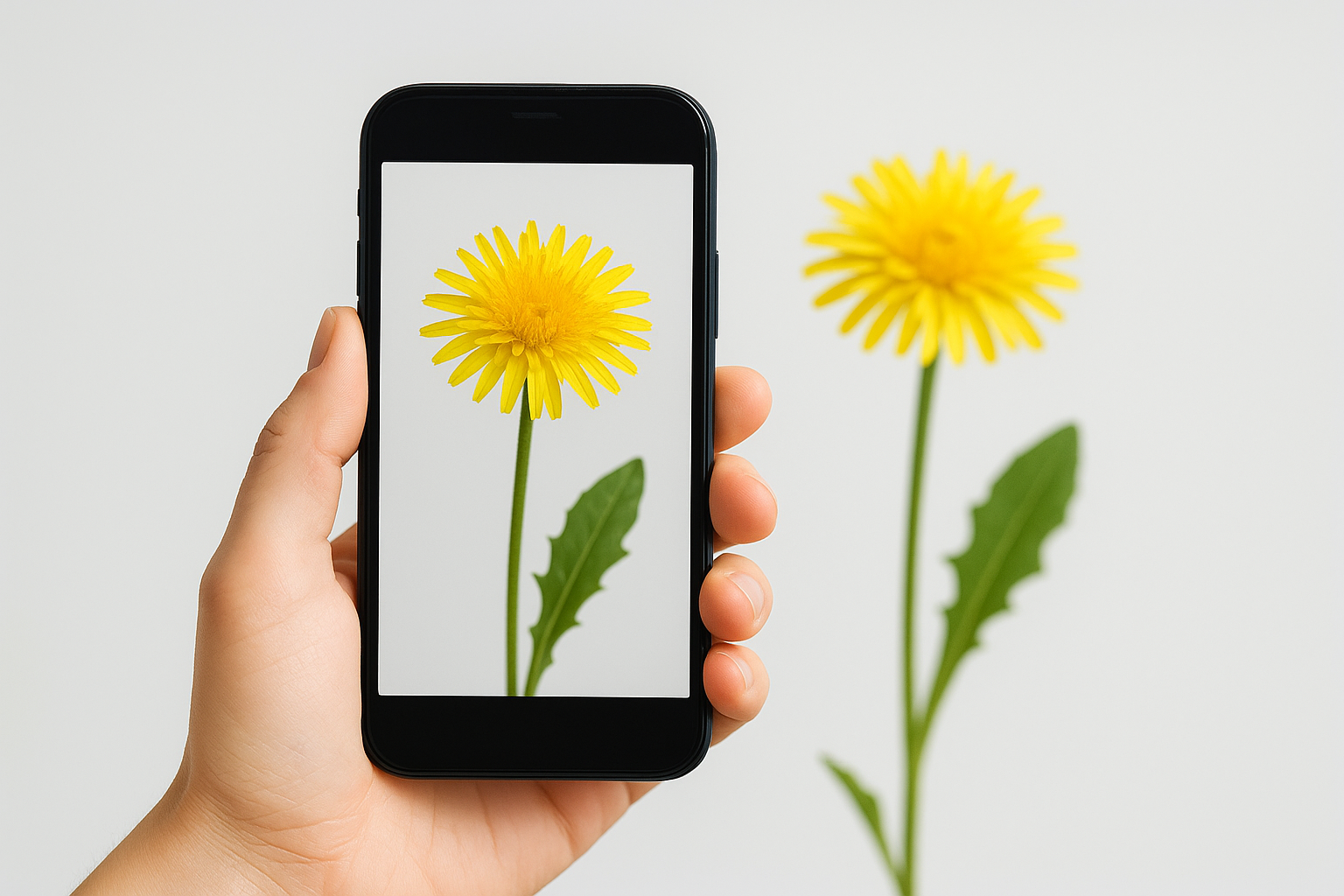
When you photograph a plant for identification, shoot in natural daylight and isolate the organ you're capturing against a plain background wherever possible. Get close enough to fill the frame with the plant part rather than including a lot of surrounding vegetation, which adds visual noise the model has to filter out. Always select the correct organ category before you submit rather than defaulting to "whole plant," since the app uses separate models for each organ type. If your first result looks uncertain, submit a second photo using a different organ to cross-check the output before drawing any conclusions.
Cost, privacy, and data sharing
The PlantNet plant identification app is free to download and use on both Android and iOS, with no paywall blocking core functionality. You get access to the full species database, organ-specific identification, and community features without paying anything. A paid subscription tier called PlantNet+ exists and removes the identification limit that applies to free users, but most casual gardeners and homeowners will not hit that cap in regular use.
What the free version covers
Free accounts allow a set number of identifications per day before the app prompts you to upgrade. The limit resets daily, so if you're working through a garden assessment gradually rather than identifying dozens of plants in a single session, the free tier handles the job without issue. PlantNet+ subscribers get unlimited identifications and priority access to new features as they roll out, which makes it more relevant for professional users or researchers running high-volume identification work.
If you're using PlantNet for occasional home garden use in Malaysia, the free tier is almost certainly enough.
How PlantNet handles your data
When you submit a photo, your image and location data can be shared with the PlantNet research network if you opt in to observations sharing. This is how the database grows over time. Citizen scientists contribute photos, researchers validate them, and the reference library expands. You control whether your submissions are public or private through your account settings, so you are not forced to share data to use the app. PlantNet's privacy policy follows European data protection standards under GDPR, which applies because the platform is managed by French research institutions. Your account data is stored on servers operated by those institutions, and you can request deletion of your account and associated data at any time through the app or the PlantNet website.
How to download and use PlantNet safely
The PlantNet plant identification app is available through official app stores for both Android and iOS devices. Downloading only from official sources protects you from modified versions that may carry security risks, so skip any third-party APK sites and go directly to the store your device uses.
Where to find the official app
You can find PlantNet on the Google Play Store for Android and on the Apple App Store for iOS. Both listings are published under the developer name PlantNet, which makes it straightforward to confirm you're downloading the correct version. Search "PlantNet" and verify the developer name before you install.
Download the app only from Google Play or the Apple App Store to guarantee you're installing the verified, research-backed version.
Using the app responsibly
Once the app is installed, create a free account so you can save your plant observations and manage your data-sharing preferences from the start. Navigate to your account settings and review the observation-sharing toggle before you begin submitting photos. If you'd rather keep your identifications private, you can turn off public sharing entirely without losing any core functionality.
When you use the app outdoors on a property or in a client's garden, be aware that location data attaches to each observation by default if your device permissions allow it. You can revoke location access for PlantNet through your phone's app permission settings, which is worth doing if you prefer not to log where your identifications take place. Keeping the app updated through the official store also ensures you benefit from the latest database improvements and any security patches the development team releases, so leave automatic updates enabled if your device supports it.
Next steps
The PlantNet plant identification app gives you a practical, science-backed way to identify plants in your garden or on a property without needing a botanist standing next to you. Download it from the Google Play Store or Apple App Store, photograph clear images of individual plant organs in good light, and always cross-check any result using the visual reference images inside the app before you draw conclusions from the confidence score.
Understanding what you have growing in your outdoor space is a solid first step, but turning that knowledge into a well-designed, functional garden takes expertise and planning that goes well beyond what any app can provide. If you're ready to work with professional landscape designers and botanists who assess your site in person and create a plan built around what will actually thrive there, contact the Konzept Garden team and request a free consultation.